Serial or parallel
Reconfigure how Rack A, B, and C receive and return audio without rebuilding the session.
Inter::State feature guide
Build the chain, route its racks, shape movement, map performance controls, and manage gain—then take the whole thing to any session or DAW, macros and modulation included.
Trial: full product for fourteen days. Free Moonbase account required.

01 / Route
Build serial, parallel, multiband, and send-style structures from one Main view. The routing diagram stays visible and editable instead of disappearing into a collection of auxiliary tracks.
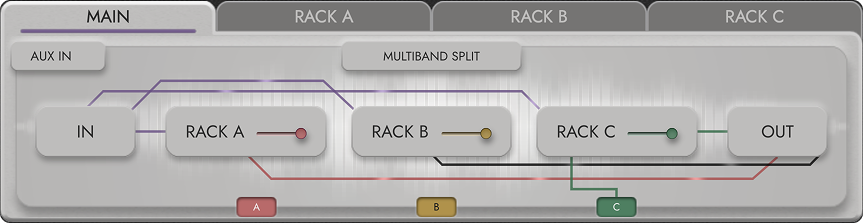
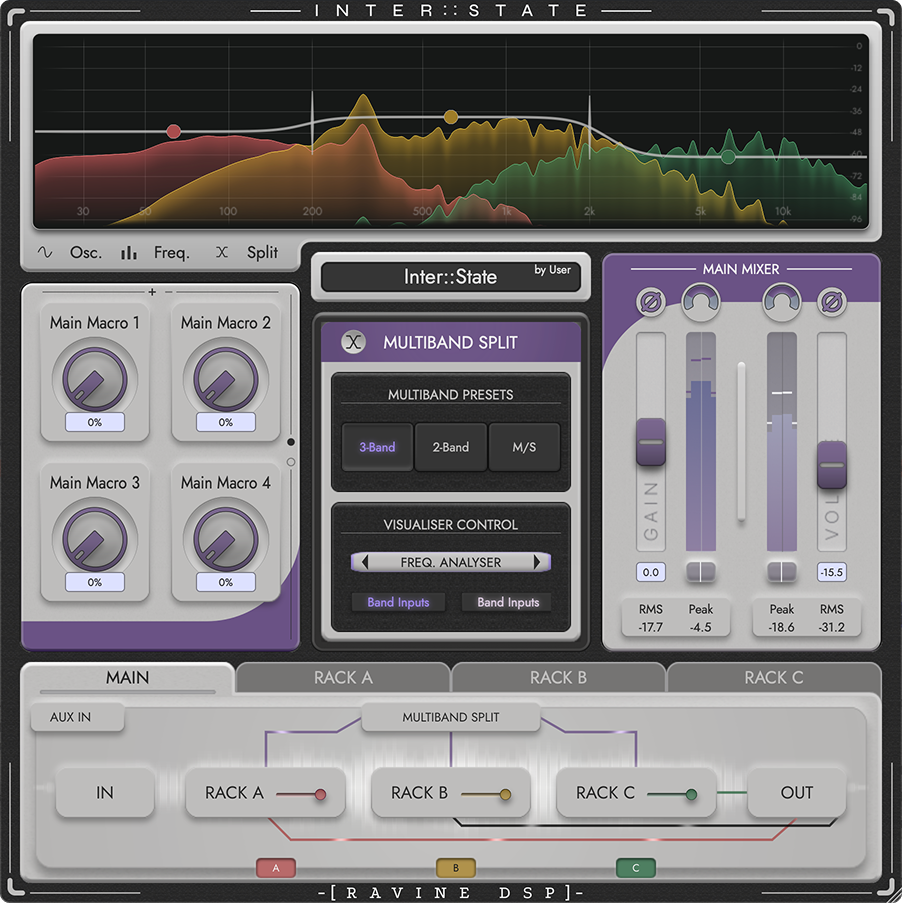
Serial or parallel
Reconfigure how Rack A, B, and C receive and return audio without rebuilding the session.
Multiband structures
Split the signal into frequency bands and route each band into the rack architecture.
Auxiliary paths
Build send-style processing and work with host side-chain or auxiliary inputs where supported.
02 / Control
Map controls at Main, Rack, or Slot level. Work with focused dial pages or place all eight macros side by side in Slider view when the whole performance surface matters at once.
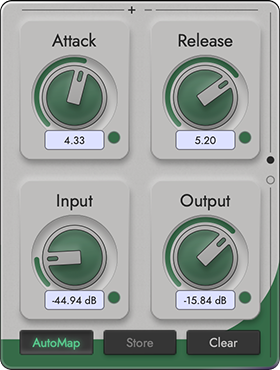
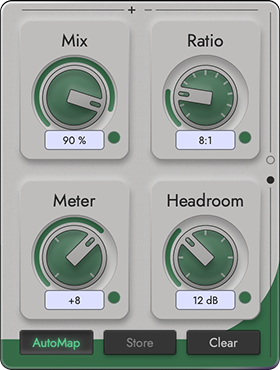
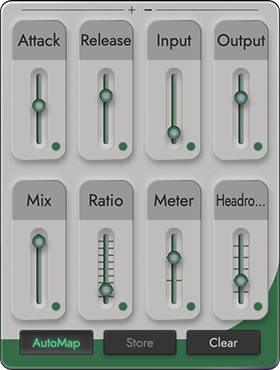
Map across the workspace
Reach plugin parameters and supported panel controls from a consistent macro layer.
AutoMap or learn
Build mappings quickly, then refine names, ranges, curves, and destinations.
Perform from anywhere
Drive macros from the UI, host automation, MIDI, Inter::State[Bridge], or the modulator.
03 / Modulate
Shape continuous curves or stepped patterns, sync them to transport, or trigger a one-shot envelope from the current input, global sidechain, or a selectable internal signal from Main, Rack, or Slot context. The scope keeps the result visible against the signal.
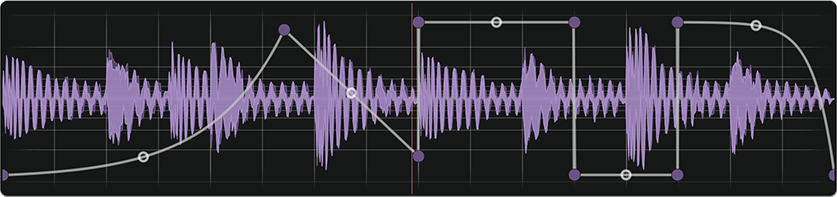
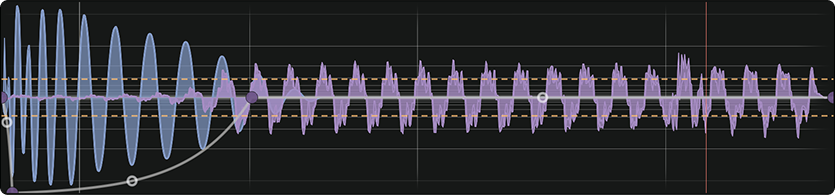
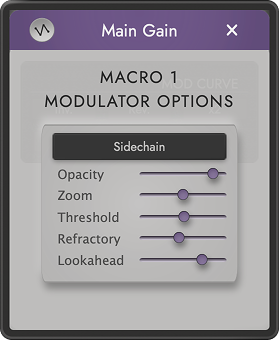
Curve or stepped
Draw smooth movement or build discrete rhythmic values against musical time.
Signal-triggered
Wait for the chosen threshold, play once, then reset for the next hit.
Visible timing
See modulation and signal together while shaping rate, depth, curve, and trigger response.
04 / Shape & recall
Constrain mapped parameters to useful ranges, blend dry and wet at slot or rack level, and move between saved global, rack, and slot configurations without abandoning the fixed workspace.
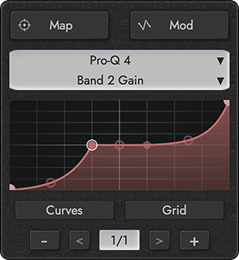

Min, max, and response
Keep a macro inside the range that is musically useful for each mapped destination.
Dry/wet at two levels
Blend individual inserts or shape the wet contribution of an entire rack.
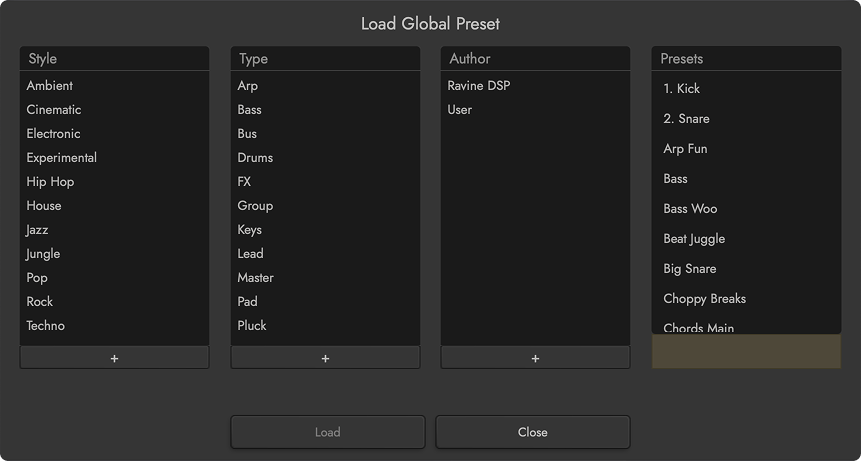
Three preset scopes
Save and recall global, rack, or slot state at the level the workflow requires.
05 / Mix & match
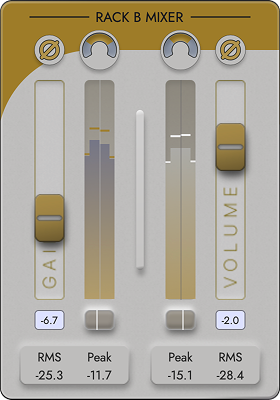
Keep gain structure and output balance in view alongside the chain. Meter rack activity, shape mix controls, and use AutoGain tools when level-matched decisions matter.
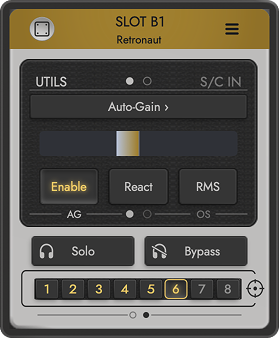
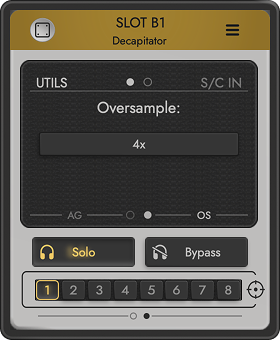
Reduce aliasing on demanding non-linear processing without paying the same CPU cost across the whole chain.
06 / Analyse
Some plugins never draw their own curve. Turn on the Response Curve and Inter::State draws one from the audio already passing through the slot, rack, or Main.

07 / Slot Scenes
Store eight parameter states inside every plugin slot. Recall one instantly, morph between adjacent scenes, or launch a transport-synchronised crossfade without reloading the hosted plugin.
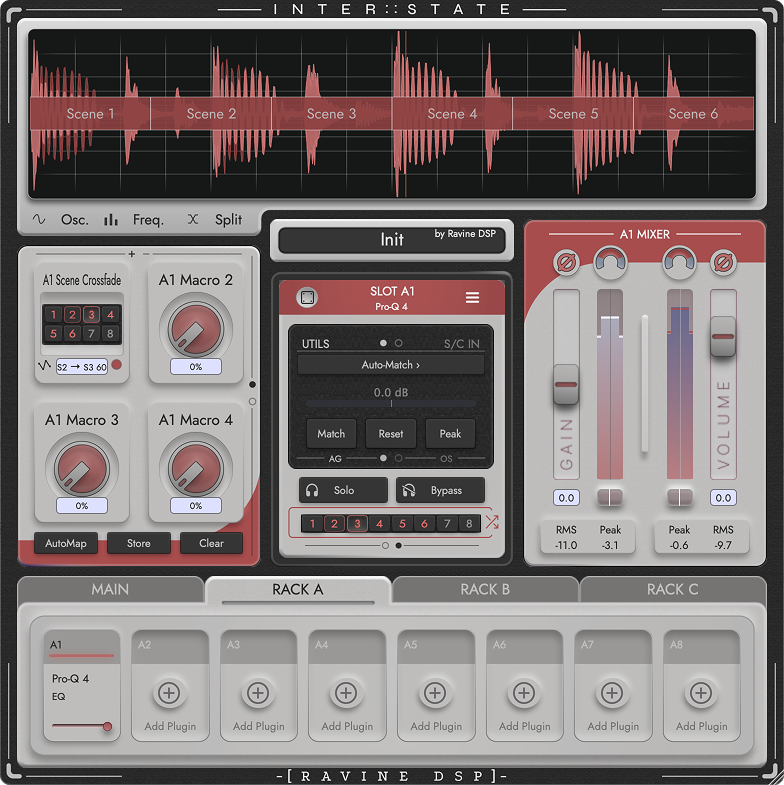
Scene control belongs to the same mapping system as the rest of the workspace.
08 / Inter::State[Bridge]
There are three ways to work. Spread the Bridge’s eight sliders across the session so the controls you care about are permanently under your hands, or aim it at particular plugins and play them directly, holding up to 64 ready at once. Follow is the third: a modulated macro on one Inter::State drives a free macro on another in the same project. It loads on an instrument track and gives you your whole effects rig to play, with MIDI in and its own automation lanes.
![Inter::State[Bridge] controlling multiple Inter::State instances across a DAW session](https://images.squarespace-cdn.com/content/v1/69cb5c0bca90a90f730faf56/6eee6f15-2bf1-41a8-82cd-da538eb1d713/InterState+Bridge+Hero+Screenshot.png?format=1500w)
Reach controls across tracks while every Inter::State stays in charge of its own chain.
Route · Modulate · Control
Try the complete Inter::State effects host for fourteen days with no feature restrictions.
Trial: full product for fourteen days. Free Moonbase account required.
